Talk or type
Use a natural conversation when your question is easier to say than to structure into a form.
 In development

YOUR DAY, CONNECTED
Fuel Coach brings food, personal targets, activity, recovery, and progress into one conversation—so you can spend less time sorting through numbers and more time making a practical next choice.
 Coach
Coach Apple Health
 Food
Food Recipes
 Food Near Me
 Progress
THE HEART OF FUEL
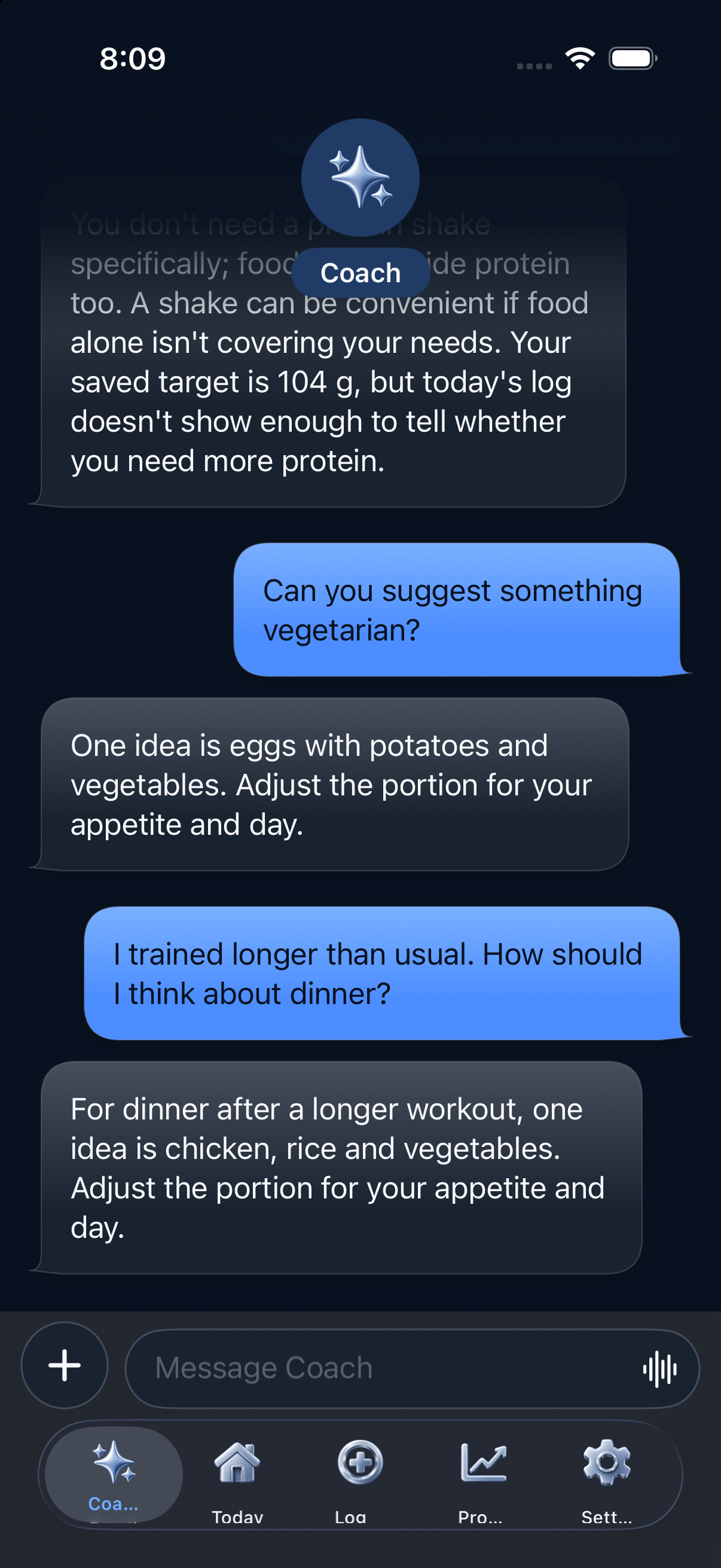
Fuel Coach is designed for the questions people actually ask: What fits my targets? How should I think about dinner after training? Did this week match the plan? What can I do with the food I already have?
Instead of treating every message as an isolated prompt, Coach can work with the information you choose to keep in Fuel—your goals, dietary preferences, food history, saved favorites, selected progress period, and connected health context.
Use a natural conversation when your question is easier to say than to structure into a form.
Fuel is built to explain patterns and options without turning an imperfect meal or missed target into a moral score.
When a conversation leads to a food log or another meaningful action, Fuel keeps a review step between the suggestion and the saved record.
I trained longer than usual. How should I think about dinner?
Start with enough food to recover: a solid protein source, carbohydrates that fit the session, vegetables, and a portion that matches your appetite and remaining targets.
Can we look at the whole week instead?
Yes. Open the selected week and we can discuss consistency, averages, and whether the pattern supports your goal.
Illustrative conversation. Coach behavior and availability depend on the released version and device capabilities.THE ACTUAL APP
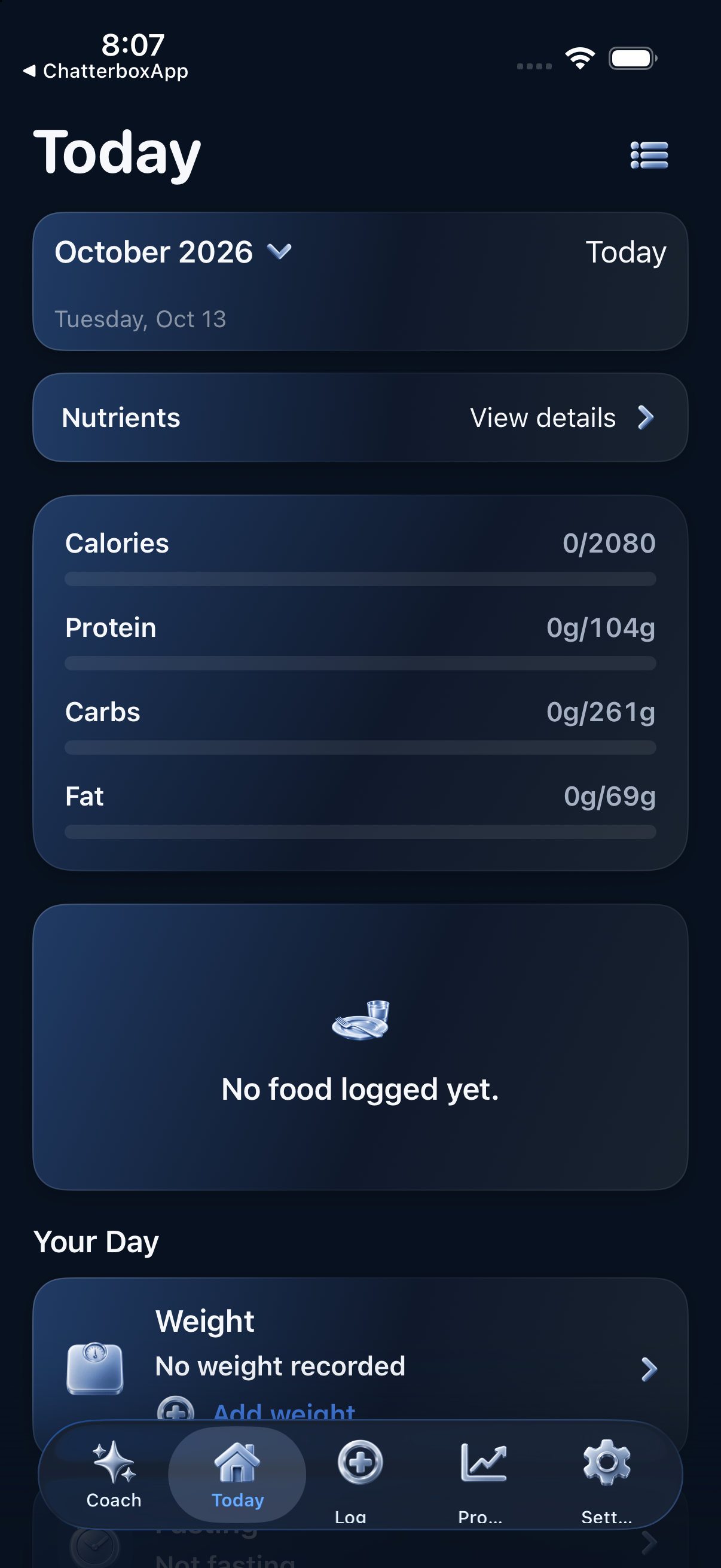
Native Fuel Coach simulator captures, with clearly labeled representative data added to Today and Progress for this website preview.
Protein 92gCarbs 168gFat 54g
 ToolsTools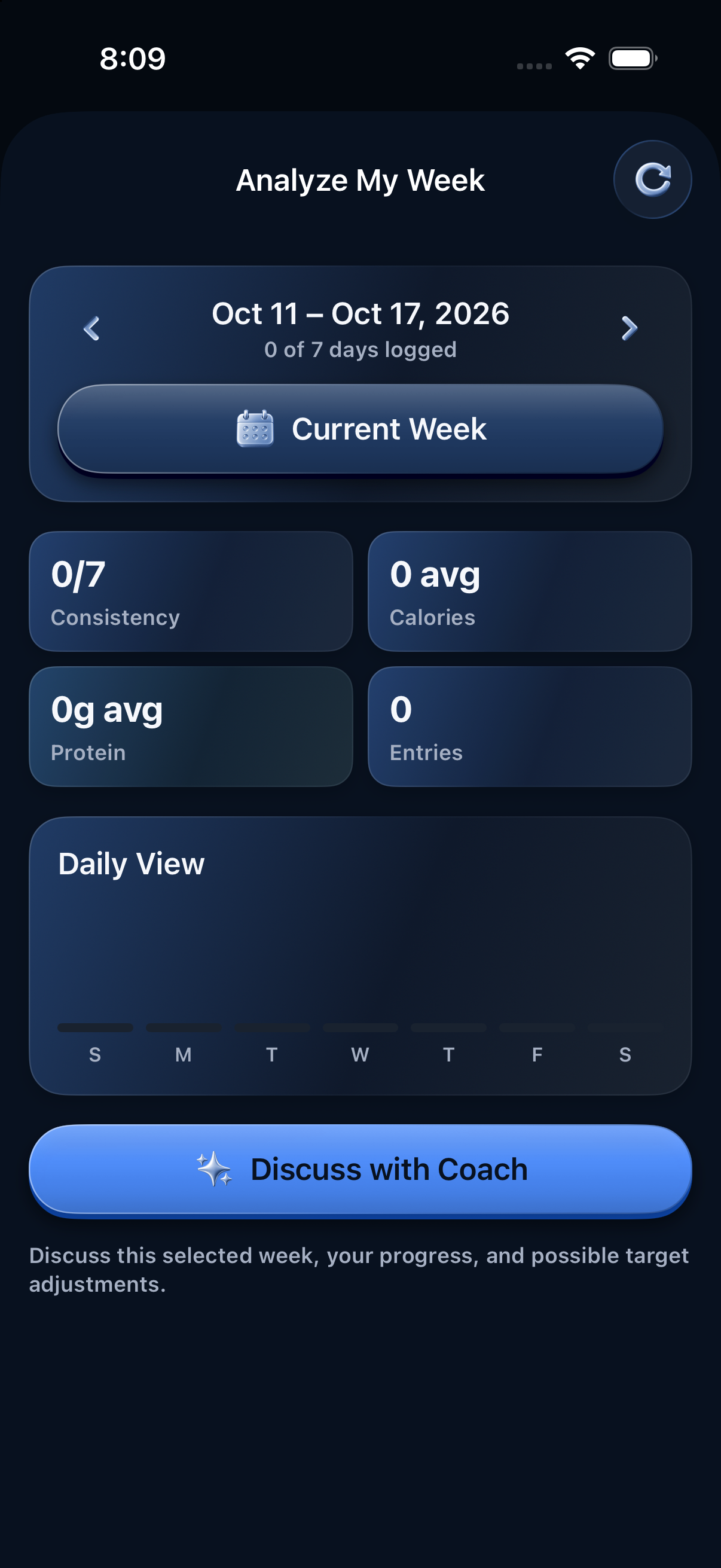
APPLE HEALTH
With permission, Fuel can connect supported Apple Health information to the food and goals you already track in the app.
The point is not to bury you in more charts. It is to give Today, Progress, and Coach enough context to help you ask better questions about activity, energy, sleep, recovery, weight, and nutrition.
THE FUEL TOOLBOX
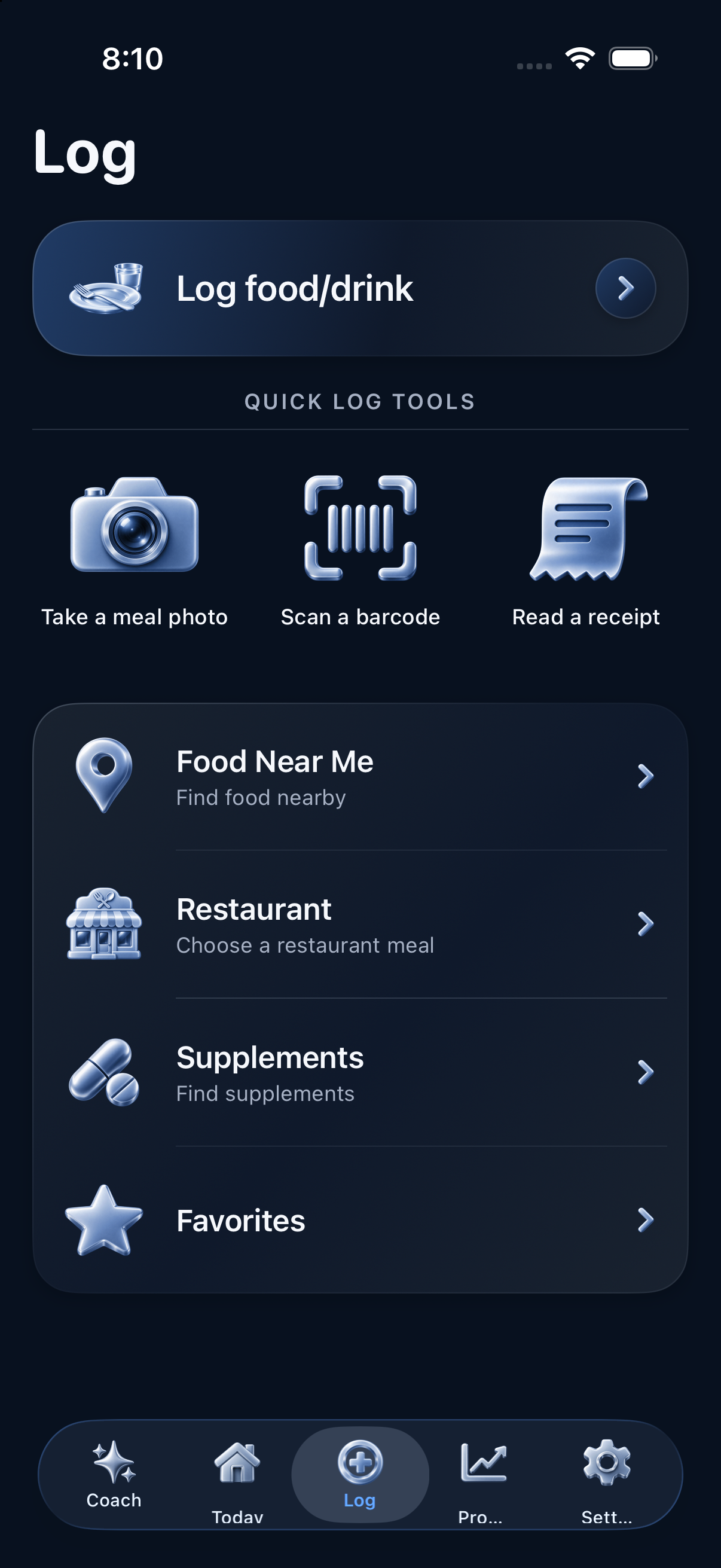
Tools is the food workspace inside Fuel. Look up an ingredient, identify a packaged food, find a meal nearby, turn saved foods into a recipe, plan meal prep, or get snack ideas that fit the day—then review the result before it becomes part of your record.
Search whole foods, saved items, favorites, and recent history, then set the portion that matches what you actually ate.

Start with a barcode, nutrition label, meal photo, or receipt and keep uncertain details visible for correction.
Explore nearby choices when you want them, compare practical options, and keep live place information separate from your saved record.
Combine ingredients into reusable recipes, adjust servings, and carry the finished meal into your plan or food log.
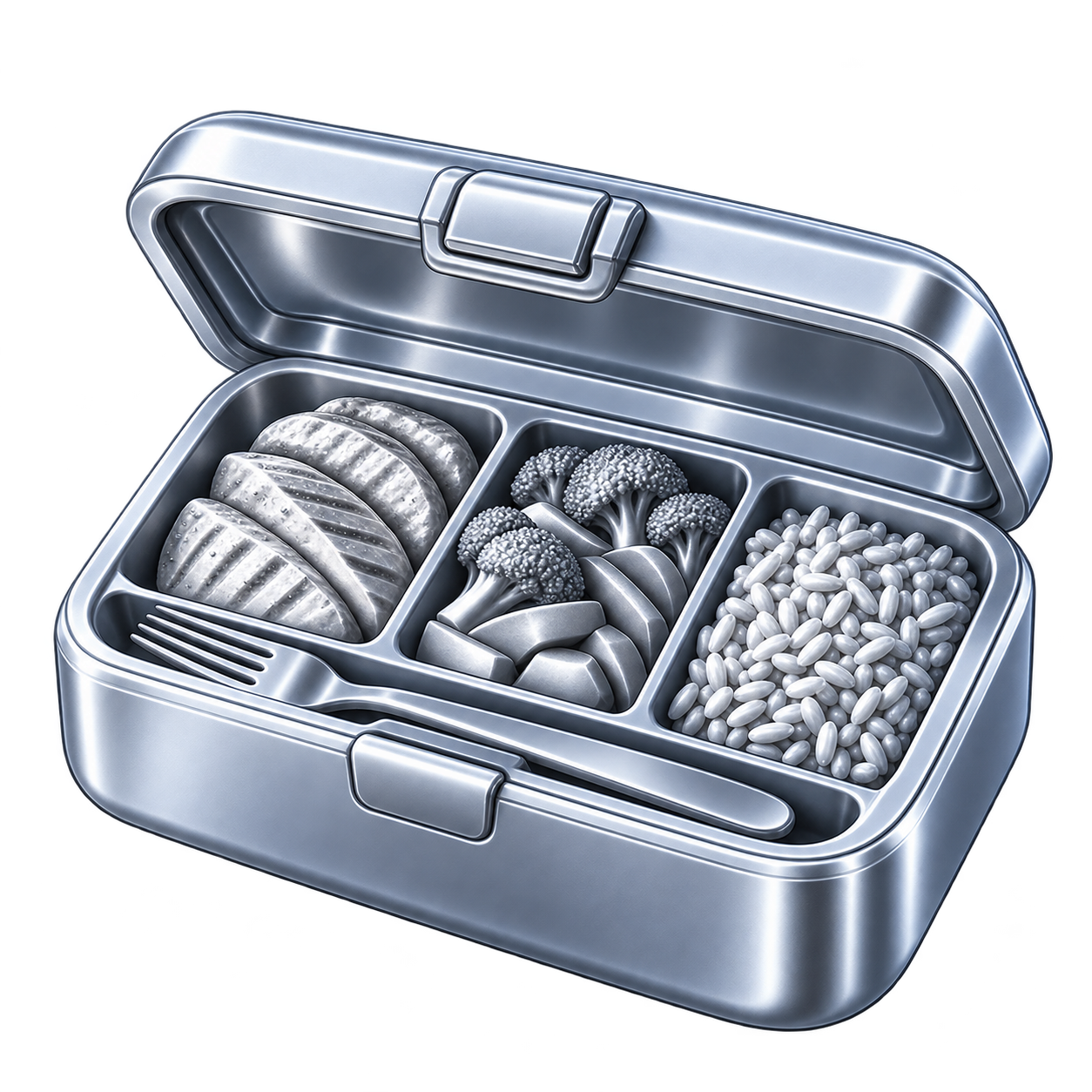
Turn a few dependable foods into repeatable meals and a grocery list instead of rebuilding the same plan every day.

See snack ideas in the context of your preferences and what remains for the day—not as a generic list.
Grocery listCarry recipe and meal-planning ingredients into one practical list.

FavoritesReuse foods and meals that already work for you.

Restaurant mealsReview a restaurant choice without pretending every menu detail is certain.
SupplementsKeep supported supplement details beside the rest of your day.
PROGRESS WITH CONTEXT
Today answers “where am I now?” Progress helps answer “what has been happening?”
Review selected days, weeks, or months across the records available in Fuel. Then bring the exact period into Coach to discuss consistency, averages, tradeoffs, and possible target adjustments without losing the dates behind the summary.
CONTROL IS PART OF THE PRODUCT
Native recordsCore records, calculations, preferences, and validated actions are owned by the native app.
Permission-based health accessApple Health data is available only through the categories a person explicitly allows.
Honest availabilityWhen a lookup, model, network connection, or device capability is unavailable, Fuel should say so and preserve a useful manual path.
CURRENT STATUS
The production app is being rebuilt natively for iPhone and is not yet offered for public download. Screens and capabilities shown here reflect the current development build and may change before release.
Public release details, support contact, privacy documents, and official social channels will be added as they become available.
Explore recommended gear